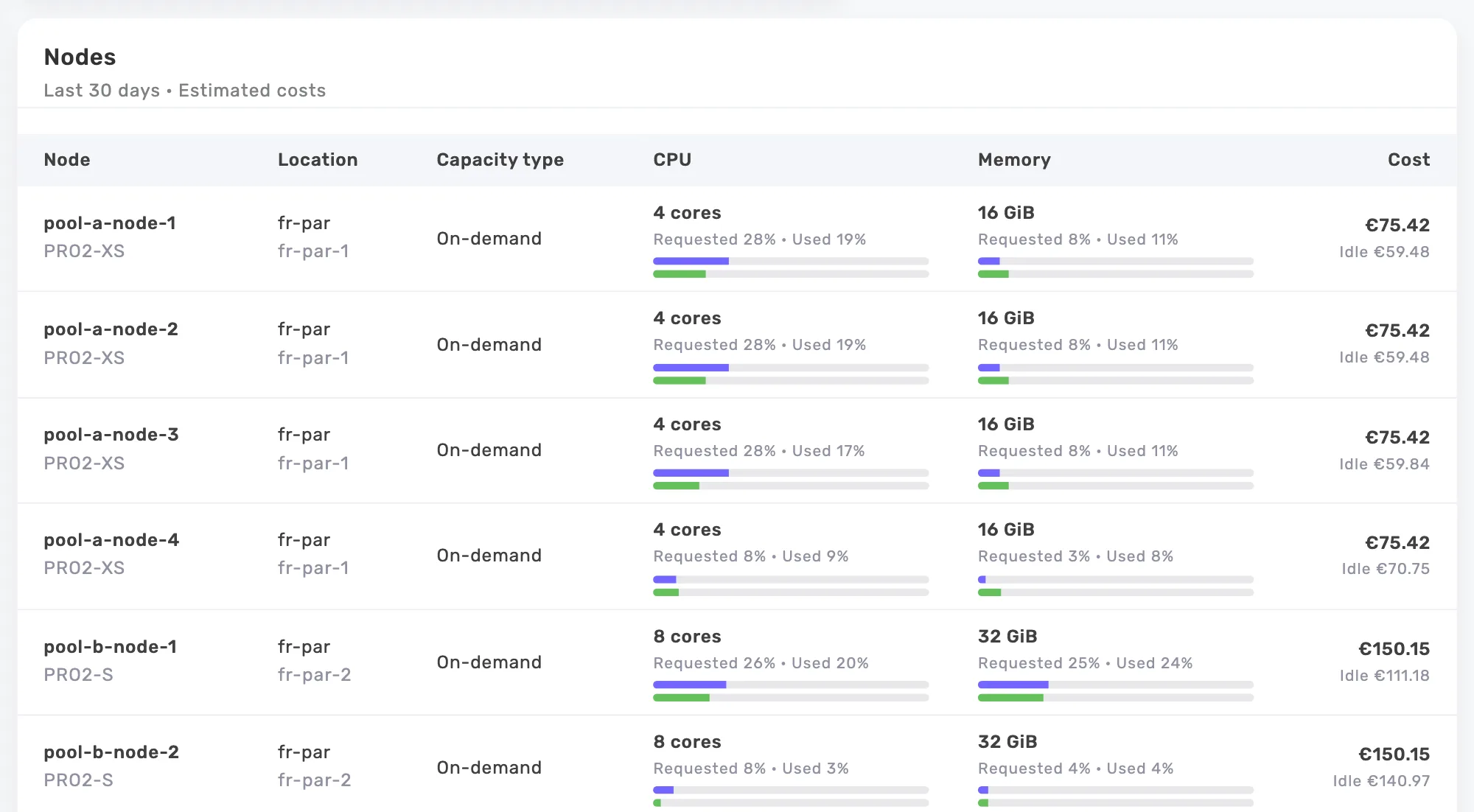
It watches first
Each new workload is watched for 7 days before its first step. The auto-resize learns its usage, then works out its target: the new requests, the cores and memory to give back, the amount per month. Nothing is touched before that. On Free, it stops at this simulation, workload by workload.
You choose where it acts
The cluster gives its consent through an option of the Helm chart, autoresize.enabled=true. The auto-resize then acts on the Deployments and StatefulSets of every namespace, except kube-system and the other system namespaces, the agent namespace and those the chart excludes. In the app, a switch per namespace and per workload, on by default, turns it off, and the original values come back at once. There is nothing to set: margins follow the service type, while the step, the canary and the warm-ups are fixed.
It acts at night, in small steps
Each night, it lowers the request of a workload by 20% at most, once every 24 hours. CPU first, memory 48 hours after the last CPU step without an alert. CPU target: the percentile of the recommendation, the 95th by default, plus 15%. Memory target: the higher of the peak plus 20% and the peak projected over 30 days plus 10%. Running pods are resized in place, and a webhook applies the same values to recreated pods.
It checks, and rolls back
On a workload with 2 pods or more, a 30-minute canary goes before the other pods. A warm-up of 10 minutes after startup, 20 for a JVM, avoids judging too early. At the first OOM, restart, throttling or failed probe, the original values come back and the workload is frozen for 7 days.
It knows your services
It recognizes databases, JVMs, caches, time series such as Prometheus, batch jobs and GPUs, and applies the margins of each. Databases, caches and any service whose memory grows week after week keep their memory: only their CPU goes down. Batch jobs and GPU workloads stay as they are. The onicost.com/service-type annotation forces the type when needed.
What it never does
It does not touch limits, never lowers a Guaranteed pod and never goes below half of the template value. It does not change your Git repository: the app gives you the patch to carry over. It skips DaemonSets, Jobs, CronJobs, bare pods, Argo Rollouts and operator pods, as well as the workloads that an HPA drives on CPU or memory and those that a VPA follows.
The journal and the emergency stop
Each step, each rollback and each skipped workload goes into the journal, with its reason. Turning off the switch of a workload or a namespace puts the original values back at once. “Stop everything” does the same for the whole organization, new namespaces included, until “Resume”. With GitOps, the onicost.com/autoresize: ignore annotation leaves a workload out from your repository.
Onicost or the Vertical Pod Autoscaler?
The VPA of the Kubernetes project recomputes requests and, in its latest versions, can apply them in place. It is a good tool. Onicost adds what is often missing to dare turn it on in production, criterion by criterion.
- Size of a change. VPA: the whole recommendation, within the minAllowed and maxAllowed bounds. Onicost: 20% at most per step, one step a night.
- Check after a change. VPA: none. Onicost: a 30-minute canary and a warm-up.
- After an OOM. VPA: it raises its memory recommendation. Onicost: it puts the original values back and freezes the workload for 7 days.
- Service type and trend. VPA: no. Onicost: yes, and never the memory of a service that grows.
- Before acting. VPA: Off mode, with recommendations only. Onicost: 7 days of observation per workload, and on Free a simulation priced in euros.
- Cost. VPA: no. Onicost: the saving per workload and the bill of the cluster.
Prerequisites
Kubernetes 1.35 or later on the API server and on at least one node (pods on older nodes are skipped), agent and chart 0.8.0 or later, autoresize.enabled=true in the chart and a Team or Business plan. The Team trial acts everywhere, production included. With Argo CD, the webhook certificate that Helm generates changes on every render: the chart README gives the ignoreDifferences to add.
What each plan shows
Free: the eligibility of each cluster and the simulation, workload by workload, of what the auto-resize would give back. Team and Business: the auto-resize at work, the switches, the stop and the journal. The Team trial acts too, production included. Team from €39 per month before tax.
Frequently asked questions
Can the auto-resize break production?
It lowers requests by 20% at most per step and per night, checks each step on a canary and goes back to the original values at the first OOM or throttling. It touches neither limits nor Guaranteed pods. A switch stops it per namespace or per workload, and “Stop everything” halts it all.
My cluster runs 1.32. What can I do?
Recommendations already work: they price each oversized request and give you the values to apply by hand. The auto-resize starts after the upgrade to 1.35, with agent 0.8.0 and the chart option.
Does my bill go down right away?
Lower requests free room on the nodes. The bill goes down when the autoscaler, Karpenter or Cluster Autoscaler, removes the extra nodes. Onicost shows both: the capacity freed and the cost of the cluster.
What about Argo CD or Flux?
The auto-resize does not change your repository. The webhook applies the new values to pods when they are created, and the app gives you the patch to carry over into the template when you want to. The onicost.com/autoresize: ignore annotation leaves a workload out from the repository.
Which permissions does it need?
The right to resize pods (pods/resize) and an admission webhook, never called in system namespaces, the agent namespace or those the chart excludes. Without autoresize.enabled=true in the chart, it does nothing.
How do I stop it?
The switch of a namespace or a workload in the app, which puts the original values back at once, “Stop everything” for the whole organization, the onicost.com/autoresize: ignore annotation on a workload, or autoresize.enabled=false in the chart.