What Cast AI does
The Cast AI homepage presents an automation platform. It sets CPU and memory requests from observed usage, moves eligible workloads to spot instances and automates routine tuning within your policies. When a change belongs in your repository, it opens a pull request for your team to review. You keep Cluster Autoscaler or Karpenter, or use its native autoscaler.
It also shares GPUs between workloads through time-slicing and MIG, and expands volumes on supported GKE and EKS disks. It runs on AWS, GCP, Azure and Oracle Cloud, and reaches on-prem and bare metal clusters.
The documentation also describes hibernation: the cluster goes down to zero nodes, on demand or on a schedule. You still pay for the control plane and the volumes you keep. Cast AI aims it at non-production environments and warns that it might fail above 1,000 nodes.
When Cast AI is the right choice
If your priority is automation in production, Cast AI answers that need more directly than Onicost. It fits these cases:
- You have more changes to make than time to apply them, and you want one tool to automate requests, nodes and routine tuning.
- You want a node autoscaler and automatic moves to spot instances.
- You want to stop a whole cluster on a recurring basis, nodes included.
- You share GPUs between several workloads.
- You run on Oracle Cloud, which Cast AI names and which is not on the Onicost price list.
The facts, criterion by criterion
Not stated means we did not find the information on the pages listed in the sources. Check them before you decide, because they can change.
- Displayed price. Cast AI: no amount, as its pricing page offers to get in touch. Onicost: Free up to 32 cores, Team from €39 per month before tax, Business from €99 per month before tax.
- Billing basis. Cast AI: not stated, as the price depends on factors specific to your environment. Onicost: the cores of your nodes, measured every hour, with no percentage of your cloud spend.
- Starting without sales. Cast AI: 30-day free trial with no credit card. Onicost: Free with no time limit, 14-day Team trial with no card.
- Data location. Cast AI: Google Cloud, in North Virginia or Frankfurt depending on the account region. Onicost: France, with Scaleway, in the Paris region.
- Retention. Cast AI: at least 10 years for Kubernetes metadata, for its audit and compliance needs. Onicost: 13 months.
- Access to Secrets. Both agents state that they cannot read Secrets or ConfigMaps.
- License. Cast AI: its blog says the agent code is open source, and the platform license is not stated. Onicost: a commercial service, with a public Helm chart for its agent.
Two ways to act on your clusters
Cast AI lets you start without automation. Its agent cannot change the cluster configuration without your permission, and you turn recommendations on when you are happy with them. From then on, the tool acts within your policies.
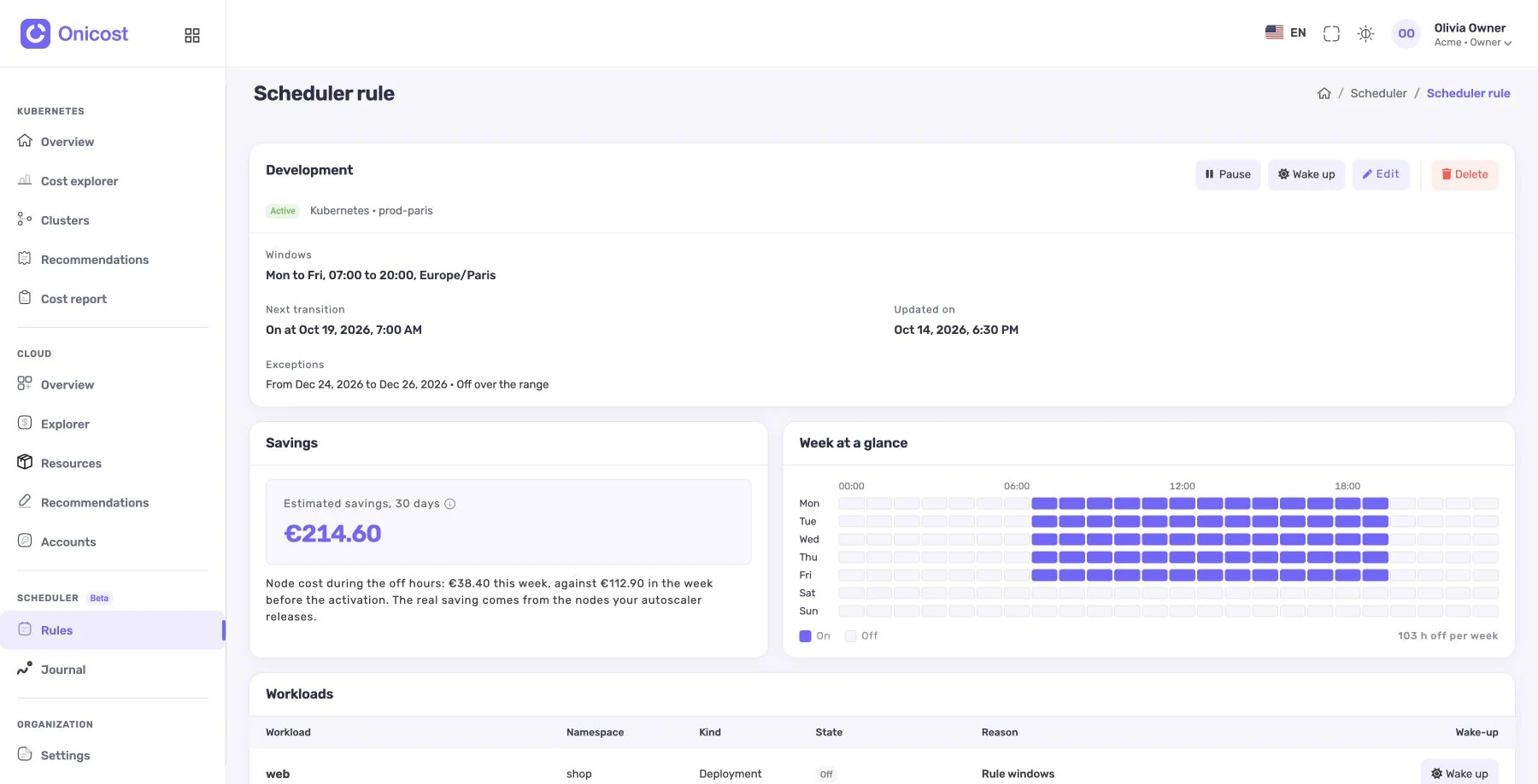
Onicost keeps the topics apart. On Kubernetes 1.35 and later, the auto-resize lowers CPU and memory requests itself, in small steps, after watching each workload for 7 days. It is on by default, and a switch per namespace or per workload stops it. Recommendations on nodes, health and waste stay with your team, who apply them with their own tools. The scheduler stops and restarts environments according to your rules. A rule starts in simulation. To act, the agent needs the actions mode of the chart, with dedicated permissions, and each action goes into a journal. In the cloud, a separate write identity covers supported VMs, pools and databases.
Stopping pods on nodes you keep does not remove the cost of those nodes. You must also act on a supported pool. Disks, IP addresses and commitments can stay billed. With either tool, an announced saving is an estimate to check on the bill, and no saving is guaranteed.
How to decide
The real question is who changes production, and how far. If you want a tool that also automates nodes and spot, start a Cast AI trial on a non-critical cluster. If you want requests lowered in small steps, after 7 days of observation and with an automatic rollback, and keep your hand on the rest, start with Onicost Free or the Team trial and measure for a month. Both start with no credit card.
Before you compare prices, ask your team these three questions.
- Does your team have time to apply recommendations, or do you need a machine to do it?
- Does your security team accept a third-party tool changing workloads continuously?
- Must your cost data stay in France?
Frequently asked questions
Does Cast AI display its prices?
On November 6, 2026, its pricing page showed no amount and offered to get in touch. Its homepage announced a 30-day free trial with no credit card.
Where does Cast AI store data?
Its documentation says Google Cloud, in North Virginia or Frankfurt depending on the account region.
Does Onicost apply recommendations on its own?
For requests, yes, with the auto-resize: on Kubernetes 1.35 and later, it lowers them in small steps, except in the namespaces and workloads whose switch you turn off, and rolls back at the first incident. The other recommendations stay with your team. The scheduler runs the stops and restarts of the rules you activated.
Can Onicost stop a whole cluster?
The scheduler stops workloads by namespace and label, and acts on supported node pools with a cloud identity. Some limits remain: an AKS system pool keeps at least one node.