What Kubecost offers today
The product page calls it IBM Kubecost and carries the copyright of Apptio, an IBM company. It describes cost allocation by Kubernetes object, reconciliation with the cloud bill, and automated actions such as request sizing and namespace turndown. Kubecost began as an open source project, and the page names no license. It lists three tiers:
- Foundations: free and self-hosted, with unlimited clusters up to 250 cores, 15 days of metrics, unlimited users and community support.
- Enterprise Self-hosted: adds a unified multi-cluster view, unlimited metric retention, role-based access and dedicated support. The page shows no amount.
- Enterprise Cloud: the SaaS version, with updates managed by Kubecost and an agent that runs on your clusters. The page shows no amount and no data region.
When Kubecost is the right choice
A switch costs your team time. If one of these cases is yours, keep Kubecost or choose it.
- You want to host the tool yourself. Onicost is a hosted service: its agent sends data to Onicost.
- You need free coverage beyond 32 cores or across several clusters. Foundations goes up to 250 cores, while Onicost Free covers 1 cluster and 32 cores.
- Many people need access on a free plan. Foundations lists unlimited users, while Onicost Free has 2 members.
- Your clusters have no way out to the internet. The Onicost agent needs outbound HTTPS to its endpoint, directly or through a proxy.
- You want requests adjusted automatically on Kubernetes versions before 1.35. At Onicost, the auto-resize needs Kubernetes 1.35 or later, and your team applies the other recommendations.
Four alternatives, criterion by criterion
Not stated means we did not find the information on the pages listed in the sources. Prices change, so check each page before you decide.
- OpenCost: free and open source under the Apache 2 license. Kubecost originally developed it. It allocates costs by cluster, namespace, controller, service or pod, and accepts custom CSV prices for on-prem clusters. You install and host it, so the data location is up to you.
- PerfectScale: free up to 300 vCPUs a month, then billed per vCPU on quote, with no displayed amount. Its page says it works with all Kubernetes distributions and clouds, private data centers included. Data location and license: not stated.
- Cast AI: no displayed amount, since its pricing page asks you to get in touch. Its homepage offers a 30-day free trial with no credit card. Its focus is automation: it sets requests from observed usage and moves eligible workloads to spot instances. It runs on AWS, GCP, Azure and Oracle Cloud, and on-prem.
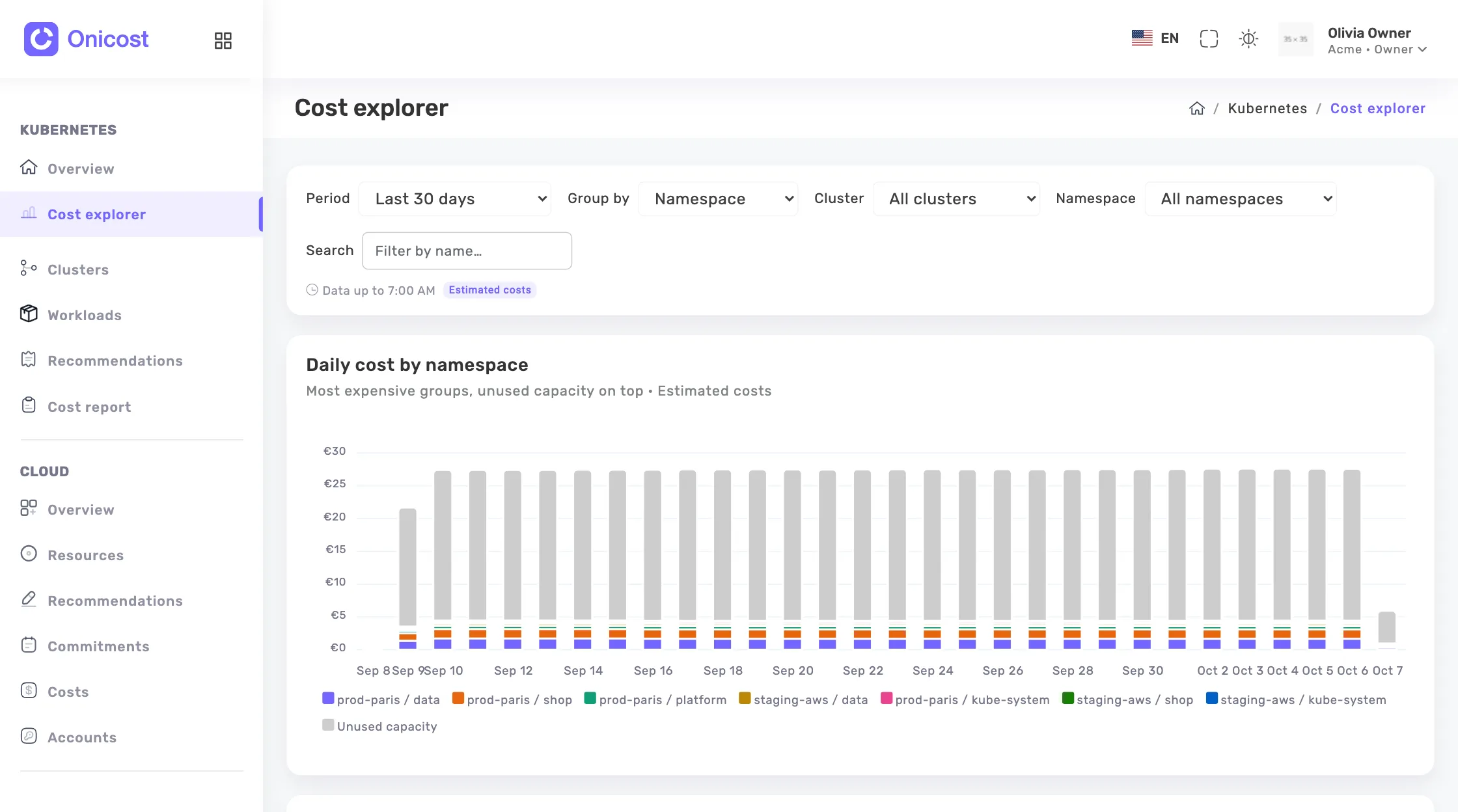
- Onicost: free up to 32 cores, Team from €39 per month before tax with 64 cores included, Business from €99 per month before tax. The price follows the cores of your nodes, and your cloud spend adds no percentage. Your data stays in France, with Scaleway, in the Paris region. Free and the 14-day Team trial start with no card and no meeting.
Where Onicost differs
You add a cluster, get its token and install one agent with Helm. By default, this agent reads nodes, workloads and their metrics through the Kubernetes API, with no write right. It has no access to Secrets or ConfigMaps. The scheduler is optional: it needs the actions mode of the chart, which adds dedicated permissions, and each action appears in a journal.
The service also covers the cloud bill. With Team, the Cloud space connects your AWS, Azure, Google Cloud and Scaleway accounts, then recognises the instances that are nodes of your clusters. History runs from 31 days on Free to 6 months on Team and 13 months on Business.
Onicost has limits too. Its Kubernetes costs are estimates based on the public prices of AWS, Azure, Google Cloud, OVHcloud and Scaleway, or on your own prices for on-premise nodes. They exclude network traffic. The savings it shows are also estimates, and no saving is guaranteed.
How to decide on a real cluster
A list of criteria helps you sort the options. The decision comes from your own data. Start with these four questions.
- How many cores and clusters must the tool cover?
- How much history do you need, and who must see it?
- Where may your cost data go, and who will run the tool?
- Do you want recommendations for your team, or automated changes in production?
Frequently asked questions
Is Kubecost still free?
In part. On November 6, 2026, its Foundations tier was listed as always free: self-hosted, up to 250 cores, with 15 days of metrics. The Enterprise tiers show no amount.
Who owns Kubecost?
Its product page names it IBM Kubecost, and the copyright line reads Apptio, an IBM Company.
Is OpenCost the same as Kubecost?
No. OpenCost is a separate open source project that Kubecost originally developed and released. It is free, and you host it yourself.
Can I try Onicost without talking to sales?
Yes. Free and the 14-day Team trial start with no credit card and no meeting. Free stays available for 1 cluster, 32 cores and 2 members.