The rule Onicost applies
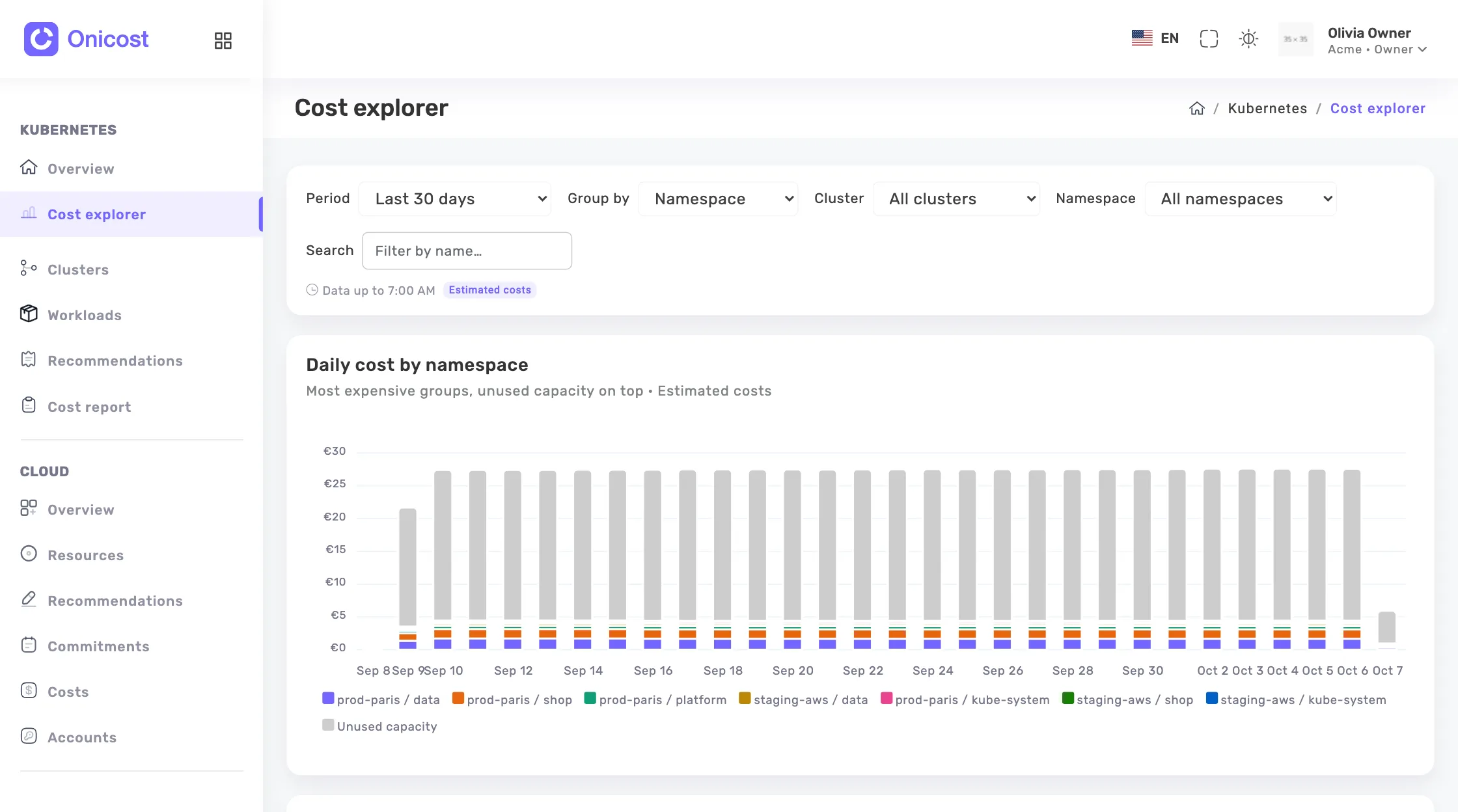
Each container pays the higher of its request and its usage, minute by minute, at the unit price of its node, plus the disks it mounts. The request counts because it reserves capacity, even when unused. Usage counts because a container can use more than its request when the node has room. If the sum exceeds the cost of the node, Onicost reduces the shares in proportion to match that cost.
On Fargate, GKE Autopilot and AKS virtual nodes, a workload pays the size its provider bills. A GPU is charged on its request, and a shared GPU counts for its fraction. These amounts are estimates, from public prices or your own rates for on-premises nodes. Network traffic is excluded.
Namespaces first, labels where they fall short
A namespace is the simplest allocation key when one team owns it. Labels take over when a namespace hosts several products, or when one product spans several namespaces. The Kubernetes project recommends a shared set of labels under the app.kubernetes.io prefix, including app.kubernetes.io/part-of to tie a component to an application. Keys such as team or cost-center are yours to define, so define them once.
The cost explorer groups by cluster, namespace, workload or the value of a label key. Onicost reads the labels of the workload object, so set them on your Deployments, StatefulSets and CronJobs through your Helm charts. For a workload known only through its pods, it keeps the labels all its pods share. The Without this label group shows what your convention still misses. Use it as your coverage measure before you compare teams. The chart option exclude.labelKeys removes keys before sending, so keep your allocation keys out of that list.
From showback to chargeback
The FinOps Framework says the primary difference between showback and chargeback is the formality. Showback shows each group the costs of its scope, and every FinOps practice needs it. Chargeback sends expenses to official accounting budgets, depending on your accounting policies. Start with showback: each team reads its costs and takes the next step.
With Team, you export the explorer to CSV and print a PDF cost report. The report gives costs by namespace, the most expensive workloads and a Who uses each cluster section. Exports follow your split by label, for re-billing a project or client when you need it. Before chargeback, agree with finance on how to treat estimates. With the Cloud space, the Kubernetes on the bill view compares the node estimate with the billed cost.
Business adds teams with a visibility scope. A team limits what its members see to its clusters, namespaces and cloud accounts. Each product owner then opens the same numbers, within their own scope.
A first month of allocation
Keep the first cycle small. Free shows costs per node, workload and namespace over 31 days, on a single cluster of at most 32 cores. Team keeps 6 months of history from €39 per month before tax, and Business keeps 13 months.
- Pick one label key and one owner per namespace.
- Read the Without this label group and close the largest gaps.
- Write down who carries Unused, System and Control plane.
- Send each team its CSV or PDF and note its questions.
- Repeat the next month and compare.
Frequently asked questions
Does Onicost split shared costs automatically?
No. Unused capacity, system namespaces and the control plane stay on separate lines. You choose the rule and apply it to the exports.
What happens to workloads without a label?
They fall into the Without this label group when you group by that key. Their cost stays visible, and you can see which workloads to fix.
Can I invoice my clients from these amounts?
They can serve as a base, but they are estimates. Agree first with finance and your clients on the rule for shared costs, then compare with the bill of your provider.