What Amazon EKS bills
Every EKS cluster pays an hourly fee. AWS lists $0.10 per cluster per hour under standard support, about $73 over a 730-hour month. A Kubernetes version gets 14 months of standard support, then 12 months of extended support at $0.60 per hour, about $438 per month. Provisioned control plane tiers start at $1.65 per hour for XL.
The EKS pricing page states no free tier for this fee. Your workloads pay on top: EC2 instances, EBS volumes and public IPv4 addresses. EKS Auto Mode adds a management fee per instance. The AWS price list for EU (Paris) shows $0.01344 per hour for an m5.large, billed per second with a one-minute minimum.
Find the clusters that slipped into extended support
A delayed upgrade is a quiet cost. A cluster that leaves standard support moves from about $73 to about $438 per month, and no workload changes. List your clusters with their Kubernetes versions and plan each upgrade before month 14. This saving depends on your upgrade work alone, and you can put a number on it for each cluster.
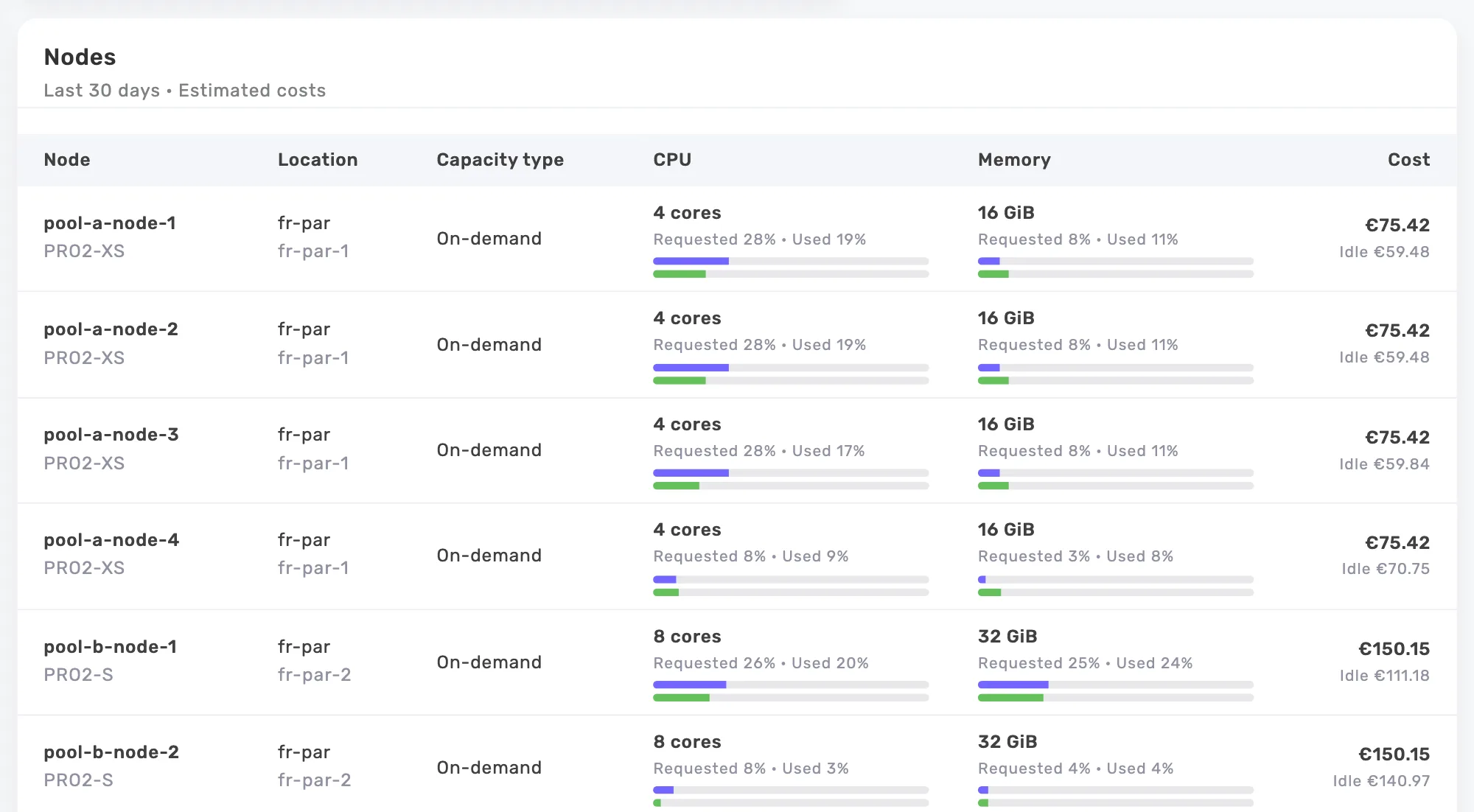
In its Kubernetes costs, Onicost applies the $0.10 standard fee to every EKS cluster. It does not read extended support, provisioned tiers or the Auto Mode fee. Connect your AWS account and the Cloud space shows these lines on the bill, by service. Auto Mode nodes are priced as their EC2 instance type.
Fargate: you pay the size AWS provisions
Fargate bills each pod. For EU (Paris), the AWS price list shows $0.0486 per vCPU-hour and $0.0053 per GB-hour. US East (N. Virginia) lists $0.000011244 per vCPU-second and $0.000001235 per GB-second. Each pod gets 20 GB of ephemeral storage, and you pay only for more. Billing runs per second with a one-minute minimum.
Your requests alone do not give the price. Fargate adds 256 MB to each pod for kubelet, kube-proxy and containerd, then rounds up to the next available size. AWS gives this example: 1 vCPU and 8 GB becomes 2 vCPUs and 9 GB. At Paris prices, that pod costs $0.1449 per hour. With 7.5 GB requested, it fits in 1 vCPU and 8 GB for $0.091 per hour. Both amounts are our calculation from list prices.
Onicost reads the CapacityProvisioned annotation, which sets the cost of the pod according to AWS. The agent reads it on Fargate pods only, from version 0.4.0. The Serverless table of each cluster gives the billed size, the hours, the cost and the part billed but not used. The Oversized serverless pods rule flags a workload billed at least one step above its recommended size. Fargate Spot applies to Amazon ECS only, so Onicost prices these pods on demand.
EC2 nodes: pools, Spot and Savings Plans
For EC2 nodes, Onicost groups nodes by EKS node group or Karpenter NodePool. It then simulates the placement of the pods of each pool, with their selectors, taints and zones, up to 80% fill by default. The result can be a smaller pool, another instance type or a move to Spot. Savings stay estimates and depend on your constraints.
AWS quotes up to 90% off On-Demand for Spot. Onicost uses the public Spot prices of AWS. It counts a Deployment as eligible with at least two replicas, no persistent volume claim, and a PodDisruptionBudget or more than two replicas. The annotation onicost.com/spot with the value ignore keeps a Deployment out. Onicost knows no interruption rate, and each recommendation says so.
Pool savings ignore your Reserved Instances and Savings Plans. Kubernetes costs also start from public prices, less the global discount you enter for negotiated rates. The Cloud space shows the coverage of your commitments and proposes Savings Plans sized on steady spend. The Kubernetes on the bill view sets the node cost estimated by Onicost next to the billed cost, with Fargate nodes left out.
Start with one EKS cluster
Add the cluster in Onicost, then run the Helm command it gives you. You need kubectl, Helm 3.14 or later and admin rights on the cluster. Free covers one cluster up to 32 cores, with costs per node, workload and namespace. In that total, a Fargate pod counts for its billed vCPUs and leaves aside the capacity its node declares.
Team starts at €39 per month before tax and adds detailed recommendations, the scheduler and the Cloud space. The 14-day trial needs no credit card. Network traffic stays out of Kubernetes costs, and a node without a price is not a free node.
Frequently asked questions
Does Onicost include the EKS extended support fee?
Kubernetes costs use the $0.10 standard fee for every cluster. A cluster in extended support really pays $0.60 per hour. Connect the AWS account to read that charge on the bill, in the Cloud space.
How does Onicost price a Fargate pod?
It multiplies the size in the CapacityProvisioned annotation by the Fargate prices of the region, over the minutes the pod ran. Without agent 0.4.0 or later, these pods stay without a price and never pass for free.
Will these savings show up on my AWS bill?
They can. They are estimates at public prices. The bill drops when you remove or shrink what you pay for, and your commitments can change the result. No saving is guaranteed.